Your written content has a reach problem. Not everyone reads the same way, at the same speed, in the same context. Some people learn better through audio. Some are commuting, exercising, or otherwise unable to read. Some have visual impairments or reading difficulties that make dense documents a barrier.
Text-to-speech converts everything you write into audio that anyone can listen to — and PDFSimpli’s AI-powered tool does it with voices that sound natural, expressive, and professional.
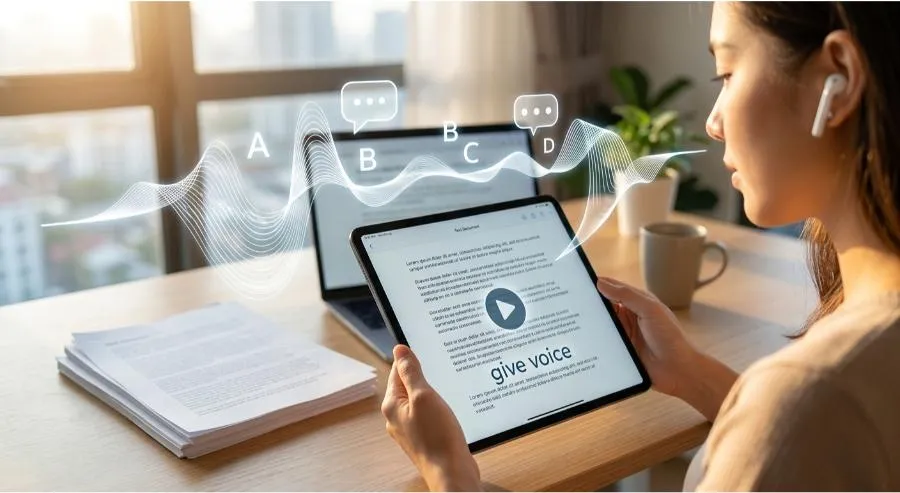
What PDFSimpli’s Text-to-Speech Tool Does
Upload any document or paste any text, and the AI generates a high-quality audio file with natural-sounding speech. Features include:
- Multiple AI voices — Select from a library of voices with different tones, accents, and personas to match your content’s purpose
- Speed control — Adjust reading pace from slow and clear to brisk and efficient
- Multi-language support — Generate audio in dozens of languages from the same source text
- Document-to-audio conversion — Convert entire PDFs, Word documents, or text files without manual copying
- Natural prosody — AI handles punctuation, pauses, emphasis, and sentence rhythm to sound human rather than robotic
Who Uses Text-to-Speech and Why
- eLearning developers add narration to course materials without scheduling voice recording sessions or hiring voice actors for every revision.
- Accessibility teams ensure all written content is available in audio format for users with dyslexia, visual impairments, or reading difficulties.
- Marketing teams convert written content — blog posts, reports, product descriptions — into audio for podcast distribution or audio ads.
- Busy professionals convert long reports and documents into audio they can consume during a commute rather than blocking time to read.
- Publishers create audiobook editions of written content at a fraction of traditional production costs.
- HR and training teams build consistent, narrated training materials without dependency on specific employees to record updates.
The Case for Audio Content
- 62% of adults listen to audio content weekly
- Audio consumption is growing faster than any other content format
- Accessibility standards increasingly require audio alternatives to written content
- Audio allows multitasking — consuming content doesn’t compete with work
Practical Workflow: From Report to Audio Briefing
- Finish your monthly business report in PDFSimpli
- Select the Text-to-Speech tool and upload the report
- Choose voice, language, and speed settings
- Generate the audio file — review and adjust as needed
- Distribute as an audio briefing alongside the PDF for team members who prefer listening
Same content. Twice the reach.
Getting Started
- Navigate to PDFSimpli’s Text-to-Speech tool
- Paste your text or upload a document
- Select your preferred AI voice, language, and speed
- Generate and preview the audio
- Download as MP3 or embed in a document/presentation
Final Thoughts
If your content only exists in written form, you’re leaving half your potential audience behind. PDFSimpli’s Text-to-Speech tool takes any document and makes it available to everyone — listeners, learners, and anyone on the go.
Give your content a voice. Try PDFSimpli’s Text-to-Speech Tool →