Finding the right image used to mean hours on stock photo sites, paying for licenses, and still settling for something that doesn’t quite fit. AI image generation has completely changed that equation. With PDFSimpli’s AI Image Generator, you describe what you want — and a unique, high-quality image appears in seconds. No subscriptions to multiple platforms, no licensing headaches, no “close enough.”
This article walks you through how AI image generation works, when to use it, and how PDFSimpli’s tool stacks up for real-world use cases.
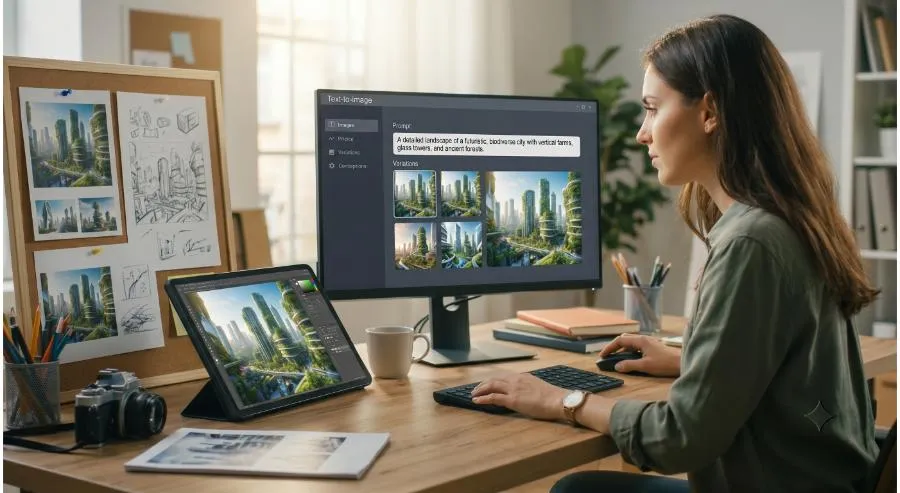
What Is AI Image Generation?
AI image generation uses large-scale neural networks trained on millions of images to interpret a natural language prompt and create a brand-new visual from scratch. The result is an image that has never existed before — fully original, tailored to your description.
You might type: “a professional workspace with warm lighting, laptop, and coffee cup, minimalist style” — and within seconds, you have a custom visual ready to drop into a PDF, presentation, or marketing doc.
Why PDFSimpli’s AI Image Generator Stands Out
1. Seamless Integration with Your Documents
Unlike standalone image tools, PDFSimpli connects AI generation directly to your document workflow. Generate an image and insert it into your PDF without switching apps or downloading files to re-upload elsewhere.
2. No Design Background Required
The prompt interface is conversational. You write what you need in plain English, and the AI handles composition, color, lighting, and style. First-time users get professional-grade results immediately.
3. Style Flexibility
Whether you need photorealistic images, illustrated graphics, flat-design icons, or abstract backgrounds, you can guide the output with style descriptors in your prompt: “watercolor illustration,” “3D render,” “corporate photography style.”
4. Speed at Scale
Need 10 images for a report? Generate them in minutes rather than spending an afternoon on stock sites. PDFSimpli’s tool is built for volume without sacrificing quality.
Best Use Cases for AI Image Generation
- PDF reports and whitepapers — Custom visuals that reinforce your data and brand
- Presentations — Unique slide imagery that stands out from generic stock
- Marketing collateral — Fast concept visuals for campaigns before production begins
- Proposals — Professional imagery tailored to a client’s industry or aesthetic
- Educational materials — Explanatory visuals generated to match specific concepts
Tips for Better Prompts
The quality of your output depends heavily on your prompt. Here are five prompt strategies that consistently produce strong results:
- Be specific about subject: “a female doctor in a clinic” beats “a person in a hospital”
- Specify style: Add terms like “photorealistic,” “minimalist,” “vintage,” or “flat design”
- Set the mood: “warm and inviting” or “clean and corporate” shapes tone
- Describe composition: “overhead view,” “close-up,” “wide shot”
- Add negative constraints: Describe what you don’t want if needed (e.g., “no text overlay”)
Getting Started
- Open PDFSimpli and navigate to the AI Image Generator tool
- Type your image description in the prompt field
- Select your preferred style and dimensions
- Generate and preview — regenerate with an adjusted prompt if needed
- Insert directly into your open PDF or download to use elsewhere
Final Thoughts
Stock photos are a crutch we’ve all leaned on because there wasn’t a better option. AI image generation changes that. PDFSimpli puts a professional-grade visual creation engine inside your document workflow — so the next time you need an image, the answer is a single sentence away.
Ready to create your first AI-generated image? Try PDFSimpli’s AI Image Generator →