Citation formatting is one of the most rules-bound, error-prone, and time-consuming tasks in academic and professional writing. APA, MLA, Chicago, Harvard — each style has dozens of specific rules about punctuation, capitalization, field order, and formatting that change based on source type. Getting it right manually requires constant reference to style guides. Getting it wrong has real consequences for academic credibility.
PDFSimpli’s AI Citation Generator eliminates manual citation formatting entirely — generate accurate, style-specific citations in seconds for any source type.
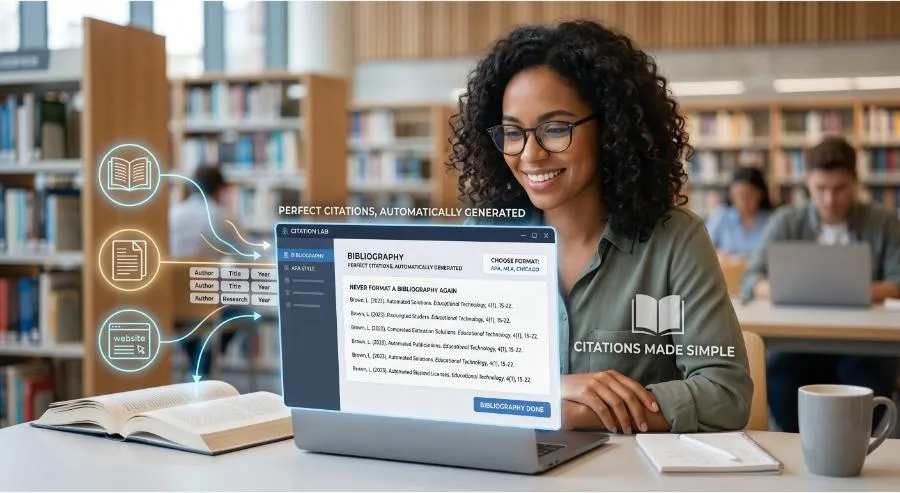
Citation Styles Supported
PDFSimpli generates citations in all major academic and professional styles:
- APA (7th Edition) — Standard for psychology, social sciences, and education
- MLA (9th Edition) — Standard for humanities, literature, and languages
- Chicago/Turabian — Standard for history, arts, and some social sciences
- Harvard — Common in UK universities and business schools
- IEEE — Standard for engineering and computer science
- Vancouver — Standard for medical and life sciences
Source Types Handled
The AI generates properly formatted citations for every common source type:
- Journal articles (print and online)
- Books and book chapters
- Websites and web pages
- News articles
- Reports and white papers
- Government documents
- Conference papers
- Dissertations and theses
- Datasets
- Social media posts
- Video and multimedia content
How to Use PDFSimpli’s Citation Generator
Option 1: From a URL
Paste the URL of any web-based source, and the AI extracts all necessary metadata — author, title, publication date, publisher — and formats the citation automatically.
Option 2: From a DOI
Enter the Digital Object Identifier for any academic paper and receive a perfectly formatted citation. No manual field entry.
Option 3: From Manual Entry
Fill in the source details and select your citation style — the AI handles formatting, punctuation, and field order.
Option 4: From a Document
Upload a document or bibliography and the AI identifies the sources cited and generates properly formatted reference list entries.
Common Citation Errors the AI Eliminates
- Incorrect punctuation between author and title
- Wrong capitalization style for titles (sentence case vs. title case varies by style)
- Missing publication dates, volume numbers, or page ranges
- Incorrect italicization of titles
- Wrong order for multiple authors
- Missing “Retrieved from” URL formatting
- Incorrect in-text citation format (author, date) vs. (author, page) depending on style
Building a Complete Reference List
PDFSimpli’s Citation Generator lets you:
- Add multiple citations to a single project list
- Sort alphabetically (for APA/MLA) or numerically (for IEEE/Vancouver) automatically
- Export the complete reference list as a formatted document ready to paste into your paper
- Switch the entire reference list from one citation style to another — useful when submitting to different journals
Getting Started
- Navigate to PDFSimpli’s Citation Generator
- Enter your source URL, DOI, or manual details
- Select your required citation style
- Review the generated citation and copy it directly into your document
- Build your full reference list and export when complete
Final Thoughts
Citation formatting is a mechanical task that shouldn’t require mental effort — and with PDFSimpli’s AI Citation Generator, it no longer does. Generate accurate references in any style, for any source type, in seconds. Save that focus for the writing that actually matters.
Generate your citations in seconds. Try PDFSimpli’s Citation Generator →