Professional image editing used to require either expensive software expertise or expensive designers. PDFSimpli’s AI-powered photo editing suite changes that completely. Whether you need to remove a distracting background, erase an unwanted object, or restore an old photo, the AI handles the heavy lifting — and delivers results that would have taken a skilled editor 30 minutes in under 10 seconds.
This article covers the full AI Edit Image toolkit, when to use each feature, and the real-world scenarios where this suite saves serious time.
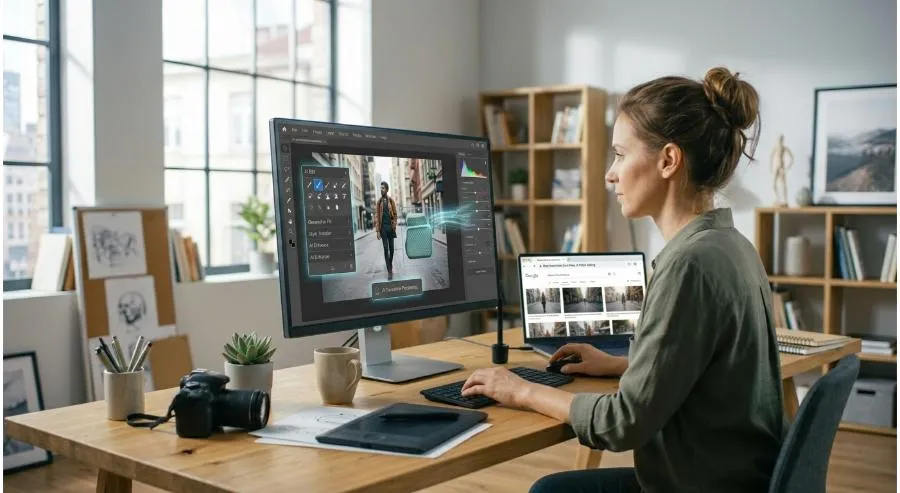
The AI Edit Image Toolkit: What’s Included
Background Remover
Upload any image, and the AI precisely identifies the subject and removes the background — cleanly, without jagged edges or missing pixels. No manual tracing, no selection tools. The result is a transparent-background PNG, ready for use in documents, presentations, or marketing materials.
AI Background Eraser
A more granular version of background removal that gives you additional control over edge refinement. Useful for complex subjects like hair, fur, or detailed silhouettes where standard removal needs a finishing pass.
AI Object Remover
Remove any element from a photo — a person walking through the background, a logo on a product, a cable cutting across a clean shot. The AI fills the removed area with contextually appropriate content, matching texture, color, and lighting so the edit is invisible.
AI Photo Editor
Comprehensive editing powered by AI: adjust exposure, color balance, sharpness, and tone with single-click enhancements rather than manual sliders. Ideal for quickly polishing images before inserting them into professional documents.
AI Photo Restorer
Upload a damaged, faded, or low-resolution photograph and the AI reconstructs missing details, sharpens edges, corrects color degradation, and upscales — breathing new life into images that would otherwise be unusable.
Colorize Image
Convert black-and-white or faded vintage photos to full, natural color. The AI predicts accurate colors based on context — skin tones, foliage, clothing — delivering results that feel authentic rather than artificially tinted.
When to Use Each Tool
| Scenario | Best tool |
|---|---|
| Product photos with cluttered backgrounds | Background Remover |
| Headshots for documents/reports | Background Remover + AI Photo Editor |
| Removing distractions from a scene photo | Object Remover |
| Polishing a low-quality image for a proposal | AI Photo Restorer |
| Converting archival images to color | Colorize Image |
| Fine-tuning a subject with complex edges | AI Background Eraser |
Real-World Use Cases
- Business Proposals: Remove unprofessional backgrounds from team headshots before inserting them into a client proposal. Result: polished, consistent, brand-appropriate.
- Product Documentation: Strip backgrounds from product images for clean inserts into user manuals or specification sheets.
- Historical Reports: Bring archival black-and-white photography to life for historical documents, case studies, or educational PDFs.
- Marketing Materials: Quickly edit campaign imagery inside the same platform where you’re building the PDF — no round-tripping between apps.
Why AI Editing Beats Manual Every Time
Manual background removal in Photoshop can take 15–30 minutes for a complex image, even for experienced users. AI background removal takes 3–5 seconds and produces comparable results for 95% of use cases. For teams producing high volumes of documents, that time savings compounds dramatically.
PDFSimpli’s AI editing tools are built directly into the document workflow, which means zero context switching — edit your image and drop it into your PDF in the same session.
Getting Started
- Upload your image to PDFSimpli’s AI Photo Editor
- Select the editing function you need (Background Remover, Object Remover, etc.)
- Preview the result — refine if necessary using the adjustment tools
- Download or insert directly into your active PDF document
Final Thoughts
Image editing shouldn’t require a design degree or a software subscription you’ll underuse. PDFSimpli’s AI photo editing suite puts professional-grade image manipulation inside your document workflow — fast, accessible, and accurate enough for real business use.
Start editing smarter. Try PDFSimpli’s AI Photo Editor →