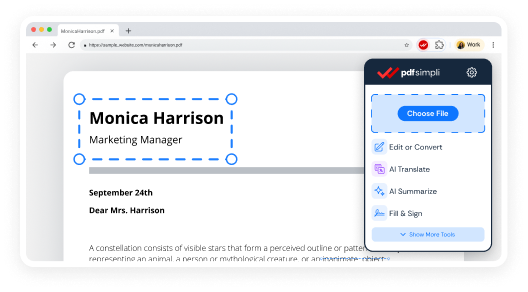
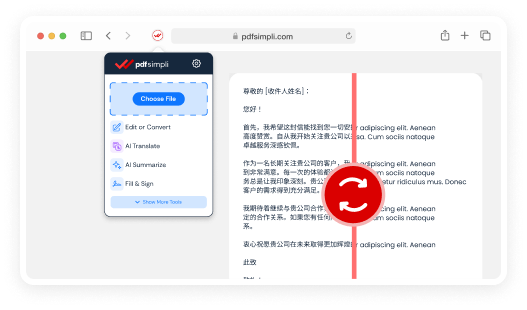
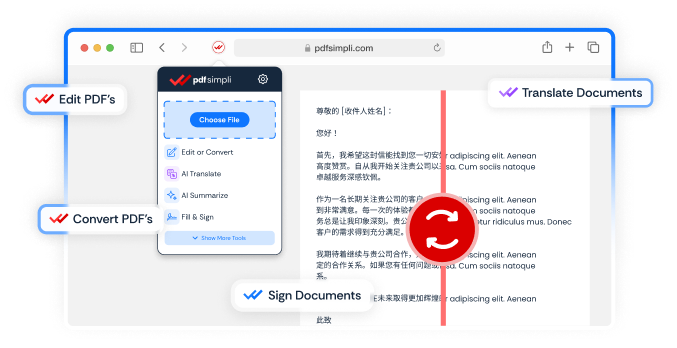
Bring PDFsimplito Chrometo Edgeto Safari
Edit, convert and sign documents from your Chrome toolbar.Edit, convert and sign documents from your Edge toolbar.Edit, convert and sign documents from your Safari toolbar.
BringPDFsimplito Chrometo Edgeto Safari
Edit, convert and sign documents from your Chrome toolbar.Edit, convert and sign documents from your Edge toolbar.Edit, convert and sign documents from your Safari toolbar.
Stop searching and find out why people love the ease of creating beautiful and legally compliant 2023 1099-MISC Form with PDFSimpli.
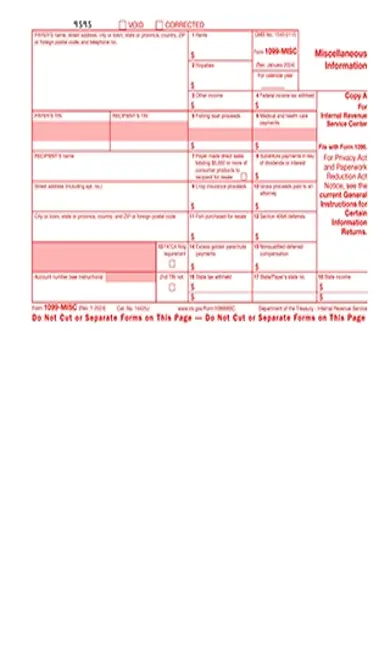

A Form 2023 1099-MISC is used to report any payments made to a service provider or contractor. This helps the IRS track how much they can expect in taxes from contractors and those who are self-employed. Since they are technically a ‘business-of-one’ when contracting, independent contractors must manage their own taxes opposed to companies automatically withholding taxes with their traditional, W-2 employees.
The business owner or company that makes payments to the independent contractor for services is required to report those payments to the IRS and also send a copy to the contractor.
Contractors receive a copy for their records and the IRS also receives a copy — either through electronic filing or paper mailing.
2023 1099-MISCs solely need to be issued for services provided for a business and not for merchandise or goods. 2023 1099-MISCs also don’t need to be sent for non-business, personal services. For example, if a company had a logo designed by a freelancer, that company may issue the freelancer a 2023 1099-MISC for that service. On the other hand, let’s say the company’s accountant hired a person to paint at her house. The accountant does not owe the painter a 2023 1099 –MISC because the painter provided a personal service, not a service for the business.
Usually, companies are only required to send 2023 1099-MISCs to contractors who’ve been paid $600 or more in a calendar year.
If services were paid using a credit card or through a third party payment network, the rules for 1099-K are applicable for reporting, not a 1099-MISC.
You still will have to report taxes to the IRS. You can add all your income for the year without the form. If you have not received your 1099-MISC form, you need to contact the payer.
Select Language





© 2026 , WorkSimpli Software, LLC. All rights reserved.
BringPDFsimplito Chrometo Edgeto Safari
Your PDF tools.
Now in Chrome.Now in Edge.Now in Safari.
Edit, convert, translate, sign and summarize documents with the PDFsimpli extension for Chrome. Keep your favorite tools close, right in your browser.Edit, convert, translate, sign and summarize documents with the PDFsimpli extension for Edge. Keep your favorite tools close, right in your browser.Edit, convert, translate, sign and summarize documents with the PDFsimpli extension for Safari. Keep your favorite tools close, right in your browser.
Do more with PDF’s in ChromeDo more with PDF’s in EdgeDo more with PDF’s in Safari
with our
PDFSimpli
Browser Extension
Add the PDFSimpli extension for Chrome to edit, convert, translate, sign and summarize documents from your browser.Add the PDFSimpli extension for Edge to edit, convert, translate, sign and summarize documents from your browser.Add the PDFSimpli extension for Safari to edit, convert, translate, sign and summarize documents from your browser.

 PDFsimpli, now in
Your PDF tools, a click away. Edit, convert and sign documents with the PDFsimpli extension for Chrome.Your PDF tools, a click away. Edit, convert and sign documents with the PDFsimpli extension for Edge.Your PDF tools, a click away. Edit, convert and sign documents with the PDFsimpli extension for Safari.
Quick access from your browser toolbar.
PDFsimpli extension
Add to ChromeAdd to EdgeAdd to Safari