2016 1065 PDF Template
Stop searching and find out why people love the ease of creating beautiful and legally compliant 2016 1065 PDF with PDFSimpli.
Stop searching and find out why people love the ease of creating beautiful and legally compliant 2016 1065 PDF with PDFSimpli.




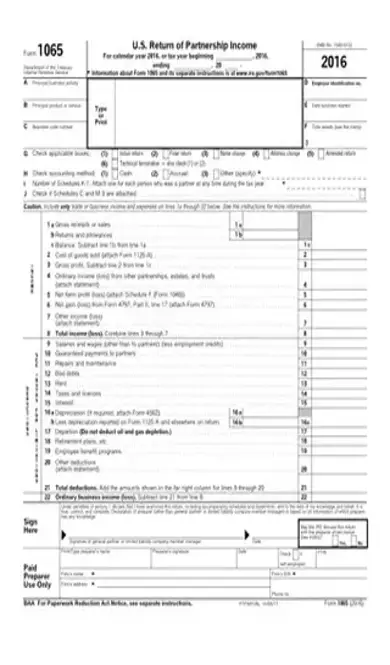
A Form 1065 is known as a United States Return of Partnership Income. It is used to report income to the IRS due to a partnership. It includes identifying any losses, gains, credits, deductions, and other business concerns as related to the terms of a partnership. This document is part of the necessary tax documents to file at the end of a tax year in the event that you or your business are part of a partnership.
The Form 1065 is used because a partnership does not have to pay taxes on their income. It passes the profit and loss of the business through the chain of partners involved in the business. This means that it is crucial to keep track of these business dealings to show to the IRS when it comes time to file taxes.
A Form 1065 is used by individuals that are involved in a business partnership. An exception to a partnership would be qualified joint ventures. The IRS determines a partnership as a relationship between two or more individuals in regards to a business or trade. A business can deal with money, labor, property, or skills. This form can also be used in the case of spouses involved in business together in some cases. All of the information needed to complete the Form 1065 is featured on the Schedule K-1. It is crucial that this document is ready carefully and that all with-holdings are marked correctly.
A Form 1065 must be filed with the rest of your taxes in the event that you are part of a partnership. This partnership could be in the form of a business or in the form of a spouse, so that are many different instances where using a Form 1065. It is also important to be mindful of all of the due dates and deadlines corresponding to the Form 1065. In the case of the Form 1065, the correct due date is March 15. An extension on this deadline can be made for September 15.
The Form 1065 is an important government document. Filing a return late can lead to major consequences such as late fees and penalties. Falsifying any of these documents can also lead to even more severe consequences including jail time. Therefore, it is important to file all tax documents on time and to fill them out carefully.
Fill out all of the blanks of 1065 Form carefully. – On Page One, mark any change of address – Include your trade and business income in Lines 1A through 22 – Refer to the K-1 form as needed for clarity on the blanks
On Page Two, fill out the additional information blanks.
On Page Three, complete other information continued. – Obtain the identifying number and the phone number of the Tax Matters Partner
On Page Four, complete the Partners’ Distribute Share Items section – Be sure to claim any withholdings
On Page Five, complete the net income section by identifying any losses – Attach any necessary documentation to claim losses
On Page Six, complete declaration of shared income, deductions and credits – Be sure to include all dividends, royalties, capital gains, etc.
Proofread and submit to the IRS. – A tax professional can help you go over you work and ensure the documents were completed correctly
[pdf-embedder url=”https://cdn-prod-pdfsimpli-wpcontent.azureedge.net/pdfseoforms/pdf-20180219t134432z-001/pdf/2016-form-1065.pdf”]
If a partnership’s federal return is changed in some way or amended, the partnership’s state tax return has a chance of being affected. The best point of contact is the state tax agency if this occurs.
For any questions about filing tax documents, you can learn more information at IRS.gov/filing
To avoid errors that might occur with your tax documents, one option is to enlist the help of a tax advisor. Alternatively, if you wish to file your taxes by yourself, be sure to fill every blank correctly and accurately. Proofreading and attention to detail is essential.
Select Language






© 2026 , WorkSimpli Software, LLC. All rights reserved.