
PDFSimpli
/
PDF Editor
/
Protect PDF

Simple and secure password protect your PDFs and files

Lock sensitive PDFs with highest-grade encryption to restrict access—secure files are ready to share instantly

Password protect your files so they are ready to share in seconds
Encrypt business and legal documents needing strict protection
Secure, easy-to-use, cloud-based, and no software download required
Password protect your files so they are ready to share in seconds
Encrypt business and legal documents needing strict protection

24/7 multilingual phone, chat and email support +1-844-898-1076

Unlimited use and access to our tools

Password protect a file in three simple steps

Upload and edit file

Upload the sensitive document you need shielded and modify the file in our editor, if needed

Set password and secure

Type your desired password, click password protect, and the encryption locks your file

Set restrictions and download

Restrict actions of others from changing data, download, and save your newly encrypted file

More than a document editor and converter

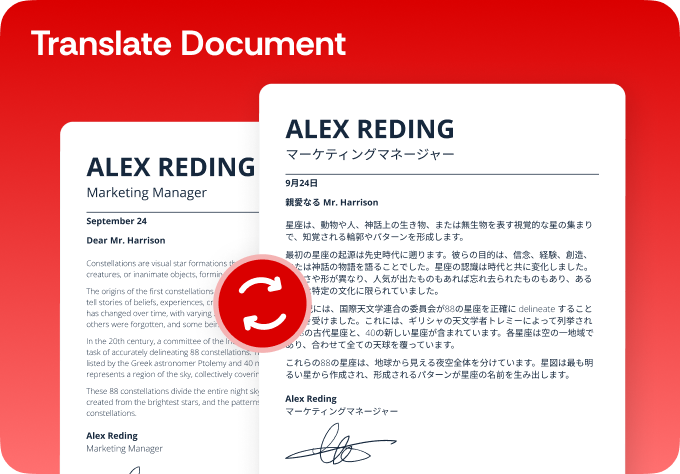
Simplify your translations

  • Break language barriers and translate with AI-powered precision
  • Choose from 130+ languages for flawless translations
  • Translate PDFs, DOCX, Excel, PowerPoint and other files
  • Ensure accuracy with fast, reliable native translations
Translate PDF

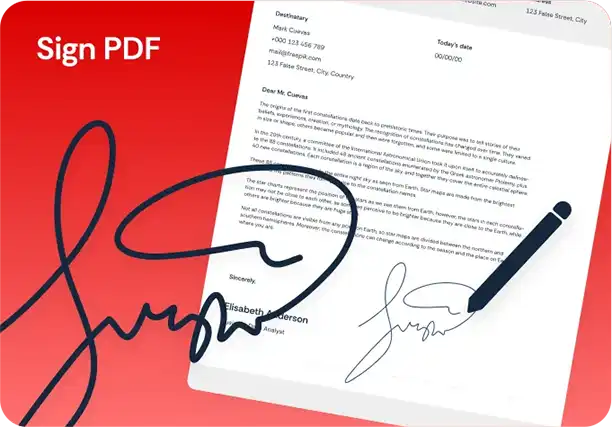
Simplify your digital signatures

  • Sign and send documents for legally binding e-signatures
  • Request e-signatures for agreements in just a few clicks
  • Sign securely from your computer, phone or tablet
  • Keep your data protected with end-to-end encryption
Sign PDF

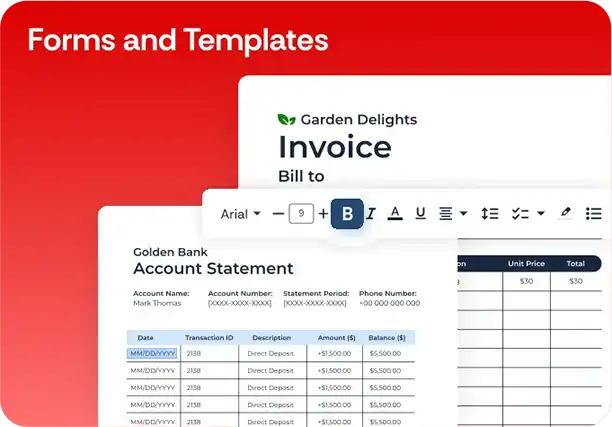
Simplify your forms and templates

  • Create, customize and sign legally compliant documents
  • Explore 150+ templates for business, real estate and more
  • Edit and personalize fillable forms for your specific needs
  • Reduce risk and save time with expert-vetted agreements
Forms and Templates

Here's why people trust us

Frequently asked questions
Simple answers to your questions
What type of security encryption does PDFSimpli use to lock files?

We utilize high-grade AES encryption standards (128-bit and 256-bit). This guarantees that your files remain virtually uncrackable by commercial password-breaking software or unauthorized entities.

Can PDFSimpli recover my password for me if I lose or forget it?

To safeguard your absolute privacy, we never track, view, or save your custom passwords on our backend. Please record your password safely, as it cannot be unmasked or reset by our support team.

Will this password lock protect the PDF on mobile devices like iPhones and Androids?

Yes. The encryption is written directly into the file's primary metadata layer. Anyone attempting to open the document on a smartphone, tablet, desktop reader, or web browser will be prompted for the password.

Can I set permissions to block printing while still letting users read the file?

Yes. Our advanced protection options allow you to choose between a master 'Open Password' (blocking all access) or specific permission restrictions that actively disable printing, text copying, and unauthorized editing.

Is it safe to type my confidential passwords into this web page interface?

100%. Our platform operates entirely over secure, end-to-end 256-bit SSL encrypted tunnels. Your keystrokes and characters are processed locally and are never cached, exposed to the open web, or recorded on our systems.

Password protect your files now
Our tool makes password protecting your files fast and effortless—just upload a file, designate a password and lock it in seconds

Select Language