
PDFSimpli
/
PDF Editor
/
Redact

Easily redact text in your PDFs and files in seconds

Remove sensitive content from your documents using proper redaction—effortlessly in your browser

Redact text permanently to share confidential documents with confidence
Protect business and legal docs so info can’t be read, copied, or restored
Secure, easy-to-use, cloud-based, and no software download required
Protect business and legal docs so info can’t be read, copied, or restored
Redact text permanently to share confidential documents with confidence
Secure, easy-to-use, cloud-based, and no software download required

24/7 multilingual phone, chat and email support +1-844-898-1076

Unlimited use and access to our tools

Redact text in three simple steps

Upload file

Upload the document and open it in the editor so the text can be searched

Redact Text

Select the redact tool, then highlight the text you want to hide to apply the redaction

Edit and download

Make other edits to your document if needed, save, and download your new modified file

More than a document editor and converter

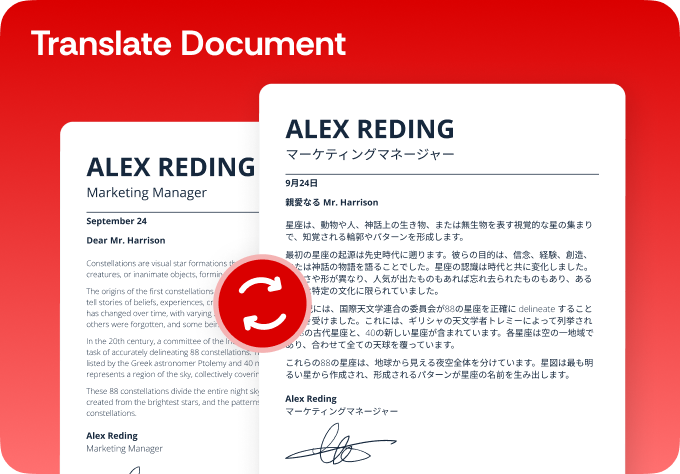
Simplify your translations

  • Break language barriers and translate with AI-powered precision
  • Choose from 130+ languages for flawless translations
  • Translate PDFs, DOCX, Excel, PowerPoint and other files
  • Ensure accuracy with fast, reliable native translations
Translate PDF

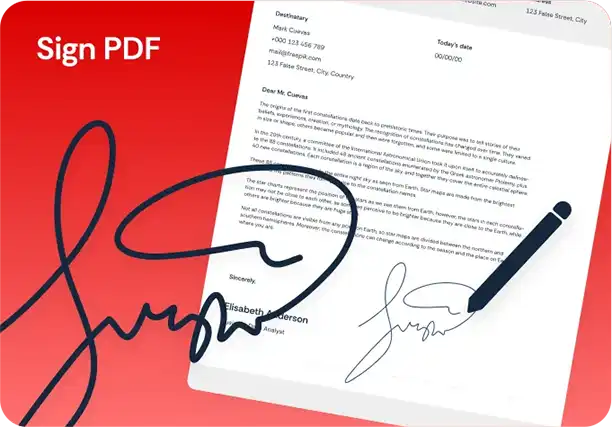
Simplify your digital signatures

  • Sign and send documents for legally binding e-signatures
  • Request e-signatures for agreements in just a few clicks
  • Sign securely from your computer, phone or tablet
  • Keep your data protected with end-to-end encryption
Sign PDF

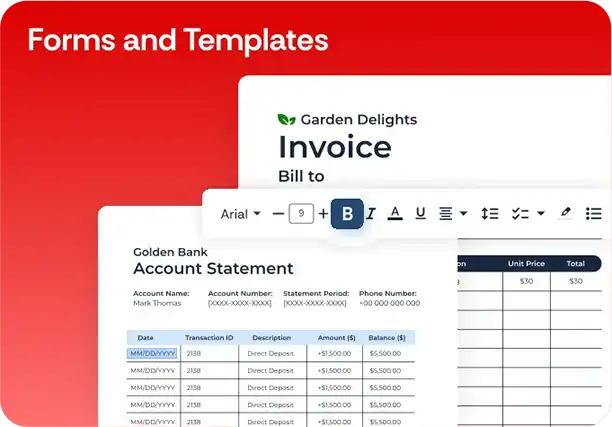
Simplify your forms and templates

  • Create, customize and sign legally compliant documents
  • Explore 150+ templates for business, real estate and more
  • Edit and personalize fillable forms for your specific needs
  • Reduce risk and save time with expert-vetted agreements
Forms and Templates

Here's why people trust us

Frequently asked questions
Simple answers to your questions
What is the difference between redacting and covering text with a shape?

Redaction removes the underlying text so it can’t be selected, copied, or recovered, whereas simple shapes may leave the content still searchable underneath.

Can I choose exactly which parts of a PDF to redact?

Yes. You can mark specific words, lines, or regions on each page and apply redactions only to those selections.

Is redaction permanent once I save the file?

When you apply and save redactions, the selected content is permanently removed from the exported PDF. Always keep an unredacted original if needed.

What types of information should I redact?

Many teams redact personally identifiable information, financial details, contract clauses, internal notes, and other data that should not be shared.

Do recipients need special software to view a redacted PDF?

No. Redacted PDFs open in standard PDF readers; the hidden content simply no longer appears in the document.

Redact text in documents now
Our tool makes replacing text fast and effortless—just upload a file, and modify content in seconds while maintaining formatting and layout

Select Language