
PDFSimpli
/
PDF Editor
/
Unlock PDF

Simple and secure, easily unlock your PDFs and files

Unlock sensitive PDFs with limitations and restricted access to edit encrypted files instantly in your browser

Remove passwords and print, edit, and copy limits of protected files
Easily bypass editing restrictions on protected business and legal docs
Secure, easy-to-use, cloud-based, and no software download required
Easily bypass editing restrictions on protected business and legal docs
Remove passwords and print, edit, and copy limits of protected files
Secure, easy-to-use, cloud-based, and no software download required

24/7 multilingual phone, chat and email support +1-844-898-1076

Unlimited use and access to our tools

Unlock a file in three simple steps

Upload file

Upload the encrypted document you need unlocked

Unlock

Click password protect to unlock and strip away editing, printing and copying restrictions

Edit and download

Edit your file, change data, e-sign, download, and save your newly unlocked file

More than a document editor and converter

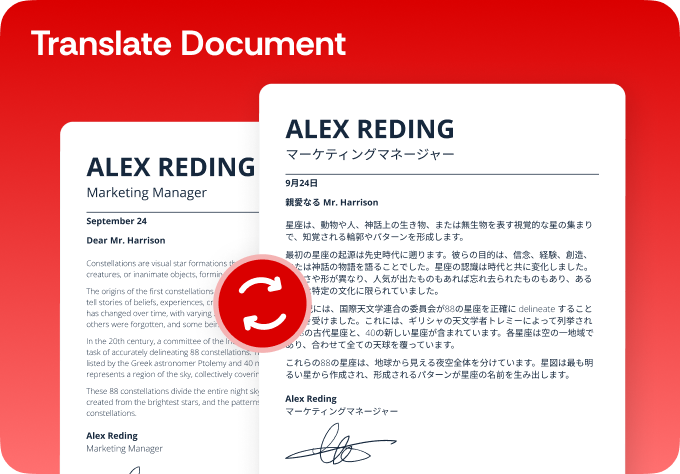
Simplify your translations

  • Break language barriers and translate with AI-powered precision
  • Choose from 130+ languages for flawless translations
  • Translate PDFs, DOCX, Excel, PowerPoint and other files
  • Ensure accuracy with fast, reliable native translations
Translate PDF

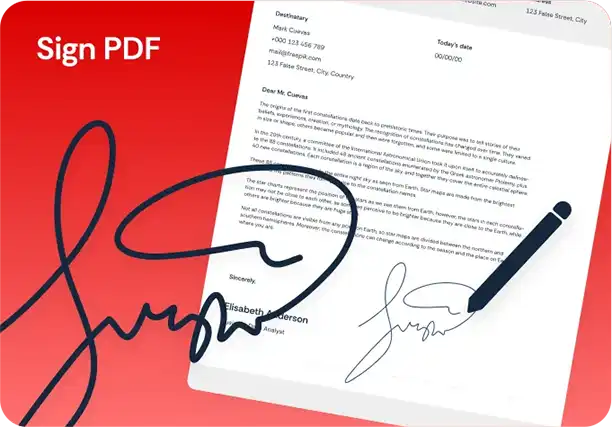
Simplify your digital signatures

  • Sign and send documents for legally binding e-signatures
  • Request e-signatures for agreements in just a few clicks
  • Sign securely from your computer, phone or tablet
  • Keep your data protected with end-to-end encryption
Sign PDF

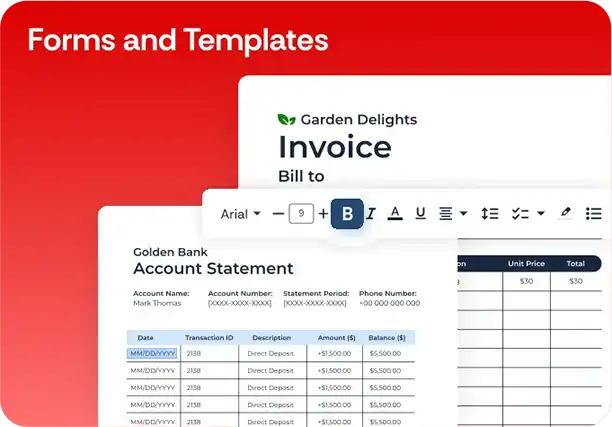
Simplify your forms and templates

  • Create, customize and sign legally compliant documents
  • Explore 150+ templates for business, real estate and more
  • Edit and personalize fillable forms for your specific needs
  • Reduce risk and save time with expert-vetted agreements
Forms and Templates

Here's why people trust us

Frequently asked questions
Simple answers to your questions
Will unlocking a PDF change, alter, or lose any of its original content?

Not at all. PDFSimpli securely strips away the restriction layer while keeping 100% of your original text, formatting, fonts, images, and layout completely intact.

Is it safe and confidential to upload password-protected files here?

Yes, privacy is our top priority. Your files are protected via end-to-end 256-bit SSL encryption tunnels and are automatically wiped from our secure servers after processing.

What is the difference between an owner password and an open password?

An owner password restricts specific actions like printing or text copying. An open password locks the entire file from view. PDFSimpli can lift owner restrictions instantly, but you must provide the authorized key to open a fully encrypted file.

Can I edit the document directly after removing the password?

Absolutely. Once the password layer is bypassed, the file transitions seamlessly into the PDFSimpli editor, granting you full editing, signing, and annotation access.

Does this tool work on mobile web browsers?

Yes. Our tool is completely cloud-based, meaning you can upload, unlock, and modify your restricted PDFs on any browser using an iPhone, Android, tablet, or desktop computer.

Unlock your files now
Our tool makes unlocking protected files fast and effortless—just upload a file, and unlock it in seconds

Select Language