PDFSimpli
/
Ai Solutions
/
Collage Maker

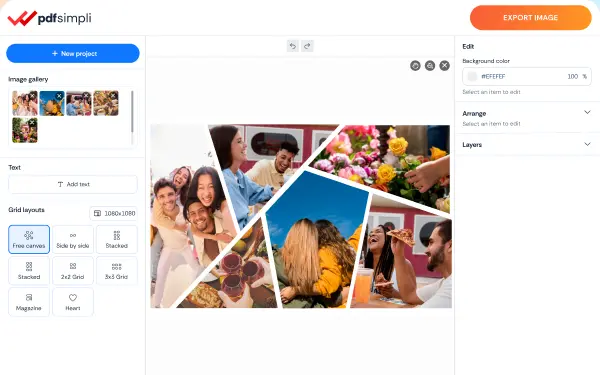
Instant photo collage maker

Easy-to-use templates transform your photos into fun collages automatically—no design skills needed

24/7 multilingual phone, chat and email support | +1-844-898-1076

From camera to finished collage in three steps

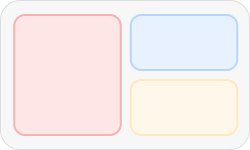
Choose a layout

Choose a layout

Grid, mosaic, story—watch your photos snap into place, then easily tweak spacing and details
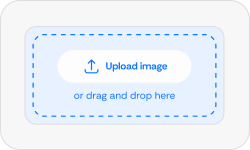
Upload your photos

Upload your photos

Drag in a folder or upload straight from your phone—and rearrange photos anytime
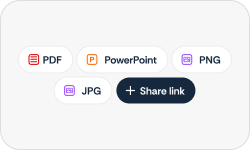
Share or export

Share or export

Send a live link, print in high-res at any size, or download as PDF, PNG, or JPG

Translate with AI

Here's why people trust us

Frequently asked questions
Simple answers to your questions
What is a photo collage maker?

It’s an online tool that arranges several photos into one designed layout. Ours starts you off with ready-made templates that position your pictures for you, so you can put together a polished collage without wrestling with settings or needing any design background.

How do I make a photo collage?

Pick one of our popular ready-made templates, add your photos, then adjust the spacing, colors, text, and stickers to taste. Once it looks right, save it as a PDF, PNG, or JPG in just a couple of clicks.

Can I add text, stickers, and captions to my collage?

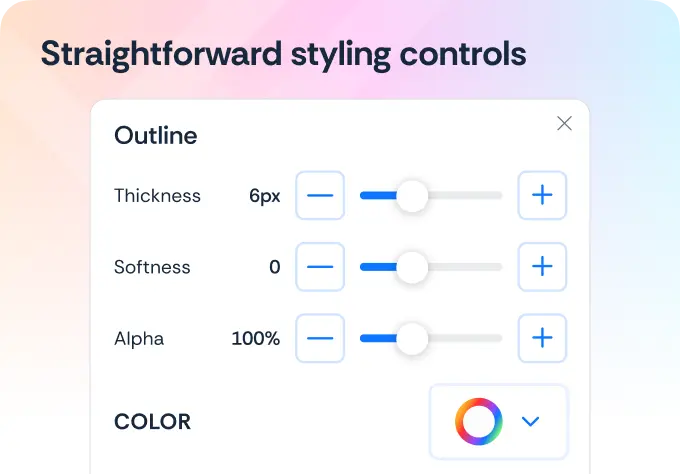
Absolutely. Drop in text, stickers, and captions wherever you like, and tweak the spacing, backdrops, borders, and corners until the design feels finished—every change shows up live as you go.

What file types can I download my collage as?

Save your collage as a print-ready PDF, PNG, or JPG, with high-quality output at any print size—so a single collage is ready for both posting online and printing at home or a shop.

Do I need a separate app to make a collage?

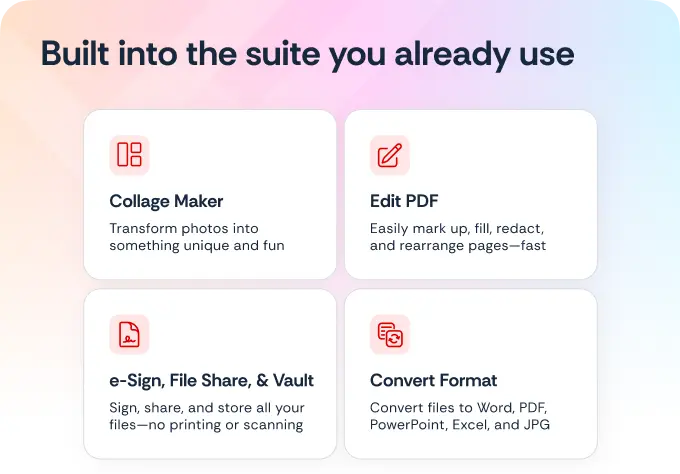
Not at all. The collage maker sits right inside the same workspace where you already edit, sign, and convert documents—so there’s nothing extra to install and no jumping between tools.

Turn your photos into a collage
Our AI photo collage maker organizes your photos into a creative visual in seconds—
just upload your photos and choose a layout, then watch your collage populate

Select Language