
PDFSimpli
/
Ai Solutions
/
Compare PDF
/
Compare Two Word Documents For Differences

Compare two Word docs for differences file comparison

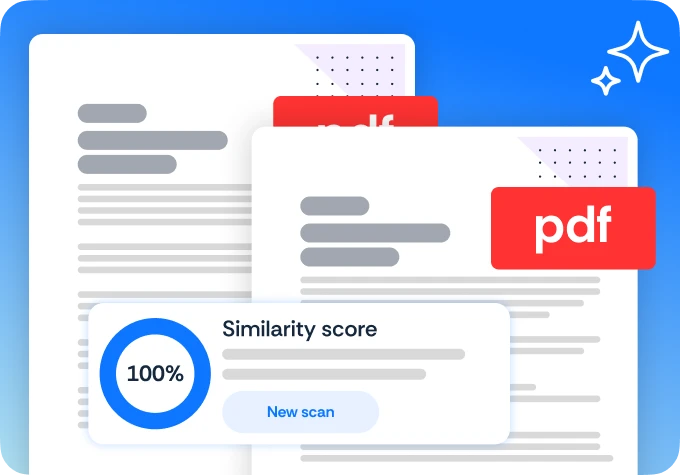
Upload two Word documents and identify every difference between them with fast, clear, automated results

Every Word document difference identified with automation
Handles tracked changes, revisions, and formatting edits
Upload both files and results are ready without delay

24/7 multilingual phone, chat and email support | +1-844-898-1076

Compare PDFs and files with AI in three simple steps

Upload two Word documents and identify every difference between them with fast, clear, automated results
Upload versions
Select and upload the two versions of the document you want to compare
Review changes
Our AI highlights every addition, deletion, and formatting change side-by-side
Export differences
Download a comprehensive report detailing all discrepancies between the two files

Translate with AI

Here's why people trust us

Frequently asked questions
Upload two Word documents and identify every difference between them with fast, clear, automated results
How does the "Compare" tool highlight changes?

It uses a side-by-side view with color-coded highlights—usually red for deletions and green for additions.

Can it detect changes in images or just text?

Our tool performs a pixel-by-pixel comparison, meaning it can flag if an image was moved, resized, or swapped.

Can I export a "Difference Report"?

Yes, you can download a summary report that lists every change made between the two versions of the document.

What if the pages are in a different order?

Our smart comparison can identify when a paragraph has been moved to a different page rather than deleted.

Compare two Word docs for differences AI reading tools
Upload two Word documents and identify every difference between them with fast, clear, automated results

Select Language