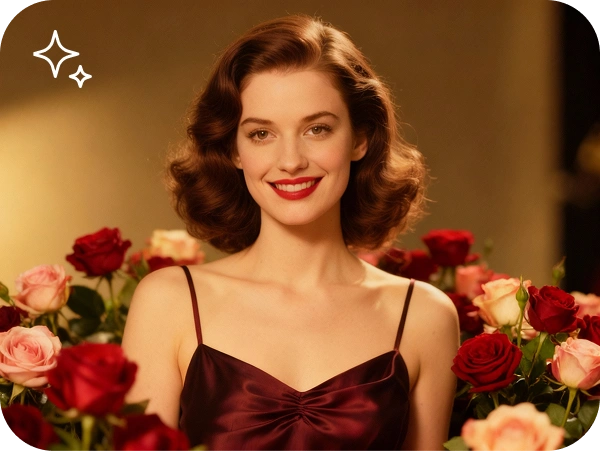
Edit a photo using powerful AI tools AI Photo Editor

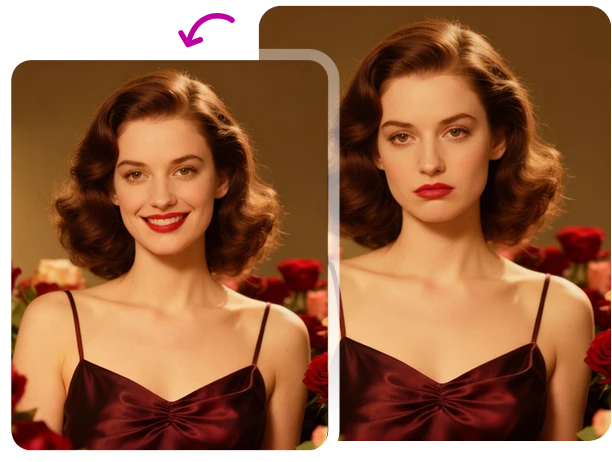
Upload your photo and describe the edit you want, then watch our AI apply it automatically

Adjust lighting and color without dragging a single slider

Layer several edits without sacrificing your photo's resolution

Save your edited photo in full resolution when changes are done

24/7 multilingual phone, chat
and email support | +1-844-898-1076

image-generator-hero

Edit and restore images with AI in three simple steps

Upload your photo and describe the edit you want, then watch our AI apply it automatically
Upload
Select the photo you wish to enhance or restore from your computer or cloud storage
Apply AI
Choose an AI tool—like "Restore" or "Retouch"—to automatically fix imperfections and color
Save
Review the high-definition result and download your edited image instantly

Restorer

Here's why people trust us

Frequently asked questions
Upload your photo and describe the edit you want, then watch our AI apply it automatically
Can I restore old, blurry family photos?

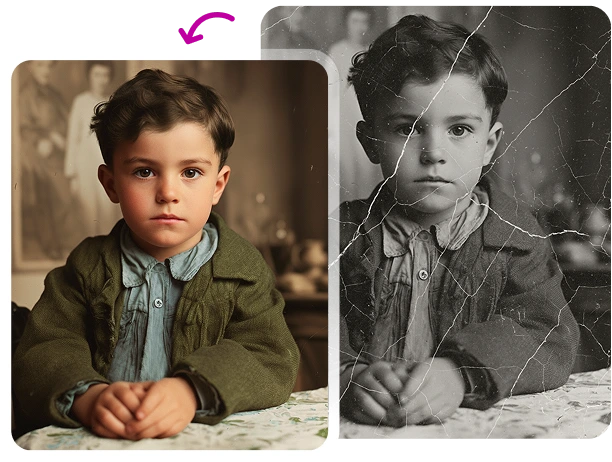
Yes, our AI Photo Restorer specializes in sharpening low-resolution images and removing scratches or "noise" from vintage photos.

Does editing an image lower its quality?

No. Our AI uses "upscaling" technology to ensure that even after edits, the final output maintains or improves its original resolution.

Can I colorize black and white photos?

Yes, our AI can intelligently analyze grayscale images and apply realistic colors based on the scene's elements.

Is this tool suitable for professional headshots?

Definitely. You can retouch skin, adjust lighting, and fix backgrounds to give any photo a professional studio look.

What file formats are supported?

We support all major formats, including JPEG, PNG, TIFF, and WEBP.

Edit a photo using powerful AI tools Create and enhance images
Upload your photo and describe the edit you want, then watch our AI apply it automatically

Select Language