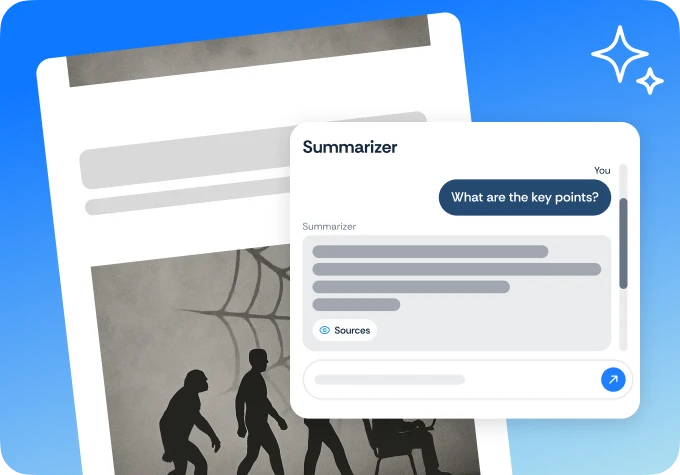
Summarizer example that shows AI in action file summarizer

See our AI summarizer in action by pasting example content to get a clean, accurate summary instantly

Upload Your Files

Drop PDF Here

or
See AI summarization in action with any content you provide
Accurate, clean output demonstrates exactly what AI can do
Test it on any article, document, or text block right now

24/7 multilingual phone, chat and email support | +1-844-898-1076

Summarize PDFs and files with AI in three simple steps

See our AI summarizer in action by pasting example content to get a clean, accurate summary instantly
Upload file
Drop your lengthy document, PDF, or report into the summarization tool
Select detail
Choose between a concise executive summary or a detailed bulleted list
Read summary
Review the key takeaways and save the summarized version for quick reference

Summarizer

Here's why people trust us

Frequently asked questions
See our AI summarizer in action by pasting example content to get a clean, accurate summary instantly
Can I choose the length of the summary?

Yes, you can opt for a "Quick Bullet Points" summary or a more "Detailed Overview" depending on your needs.

Does the summary include the most important keywords?

Our AI identifies and highlights key themes and terms so you don't miss any critical details.

Is there a page limit for the PDF Summarizer?

We can summarize documents ranging from 1-page flyers to 100+ page corporate reports.

Can I ask specific questions about the PDF?

Beyond summarizing, you can use our "Chat with PDF" feature to find specific data points within the document.

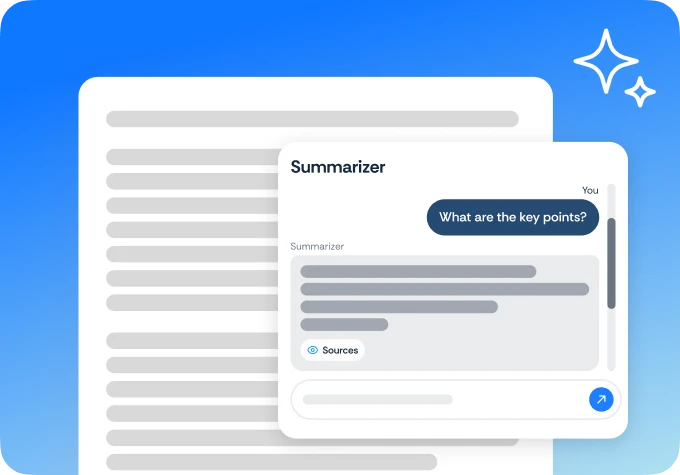
Summarizer example that shows AI in action AI reading tools
See our AI summarizer in action by pasting example content to get a clean, accurate summary instantly

Select Language