
PDFSimpli
/
Ai Solutions
/
Transcriber
/
How Do You Get A Transcript Of A Youtube Video

Get a transcript from a YouTube clip transcriber

Our technology reads video content and renders it as clear, accurate written text

Paste any YouTube URL and AI generates accurate text fast
Works on any public video regardless of length or subject
Your transcript is available to copy or save right away

24/7 multilingual phone, chat and email support | +1-844-898-1076

Unlimited transcriptions and access to our tools

Transcribe audio and video with AI in three simple steps

Our technology reads video content and renders it as clear, accurate written text
Upload media
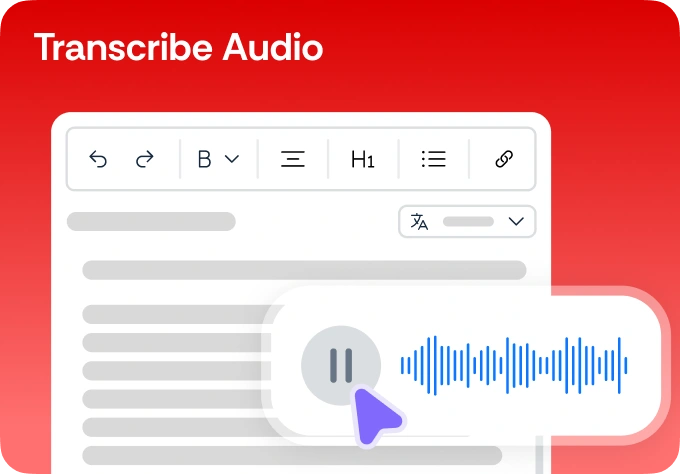
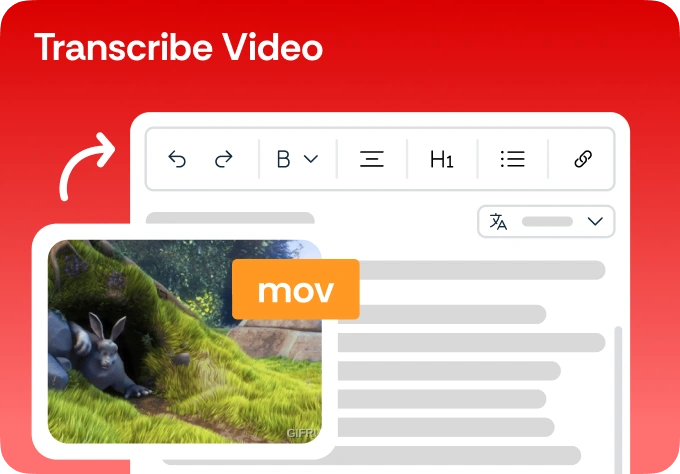
Drag and drop your audio (MP3, WAV) or video (MP4, MOV) file into the dashboard
Transcribe
Our AI processes the audio, identifying speakers and generating a timestamped draft
Edit and save
Make any quick adjustments in the interactive editor and export your transcript as a PDF or doc

Transcribe Audio

Here's why people trust us

Frequently asked questions
Our technology reads video content and renders it as clear, accurate written text
How accurate is the AI transcription for different accents?

Our AI is trained on diverse global accents to ensure high accuracy for international speakers and various dialects.

Does the transcript include timestamps?

Yes, you can generate transcripts with precise timestamps to help you navigate long recordings easily.

Can the AI distinguish between different speakers?

Yes, our "speaker diarization" feature identifies when different people are talking and labels them accordingly.

What file types can I upload for transcription?

We support MP3, WAV, MP4, MOV, and most other common audio and video formats.

How long does it take to transcribe a 60-minute video?

Typically, a 1-hour file is transcribed in less than 5 to 10 minutes.

Get a transcript from a YouTube clip audio and video to text
Our technology reads video content and renders it as clear, accurate written text

Select Language